


WordPress gets a lot of SEO right out of the box. It still will not rank a site on its own, and most of the problems we find on WordPress sites are small settings nobody looked at after launch.
We are Somos Media. We build and look after WordPress sites, including our own webshops, and this is the routine we run when a new site lands on our desk.
1. The ten-minute settings check
This is always the first thing we open, because a single wrong tick can hide a whole site.
- Settings > Reading. "Discourage search engines from indexing this site" must be unticked. It is easy to leave on after a redesign, and Google then quietly drops the pages.
- Settings > Permalinks. "Post name", so URLs look like
/wordpress-seo/and not/?p=123. If the site is already live with other URLs, do not switch without redirects. - Settings > General. Both addresses should start with https.
- One address only. Type the site with and without www, with http and https. All four should end up on the same address.
2. One SEO plugin, not two
Yoast SEO, Rank Math, All in One SEO and SEOPress all handle titles, meta descriptions, the sitemap and structured data. Which one matters less than people think. What we see go wrong is two of them running at once, each printing its own tags. Pick one and remove the other.
3. Search Console before anything else
We do not change a single title until Google Search Console is connected. Add the site, submit the sitemap (with Yoast or Rank Math it is usually /sitemap_index.xml, without a plugin WordPress serves /wp-sitemap.xml), and wait a few days for data. Search Console is the only place that shows which searches already bring people in and which pages Google has left out.
4. Titles and descriptions on the pages that earn money
We do not rewrite every page. We start with the home page, the main service or category pages and the five articles with the most impressions.
| Element | What we aim for |
|---|---|
| SEO title | Unique, about 50 to 60 characters, main search term near the start |
| Meta description | About 150 characters: what the page offers and why to click |
| URL slug | Short and readable |
| H1 | One per page, saying plainly what the page is about |
The quickest win we know: in Search Console, find pages in positions 3 to 10 with very few clicks. A better title and description often brings more visitors without any change in ranking.
5. Headings, links and images
- Headings in order, H2 then H3, so the page can be skimmed.
- Every important page linked from at least two related pages, with anchor text that says what is behind the link.
- Images compressed before upload, with a file name and alt text that describe them.
6. Speed on a phone
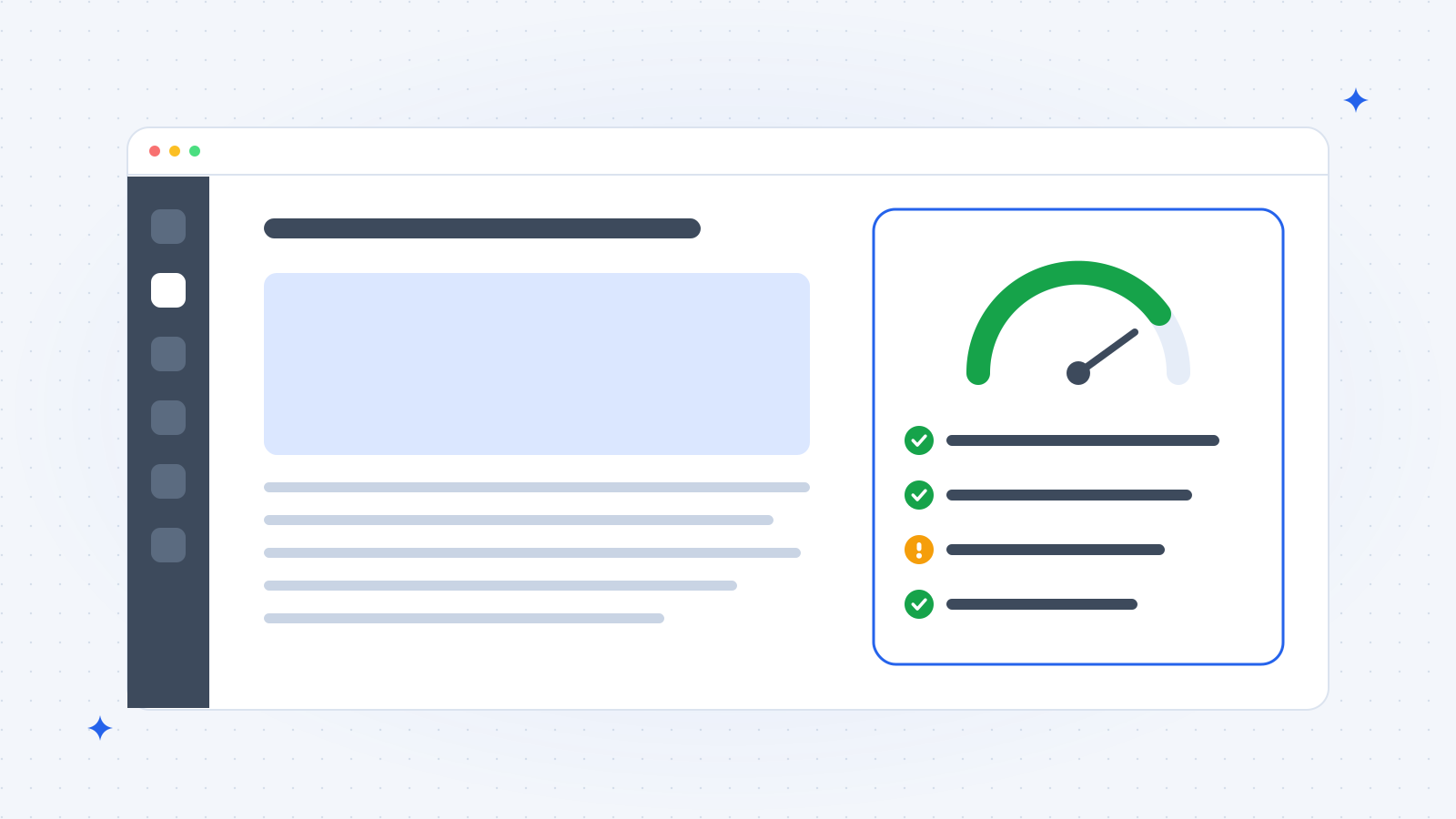
Run the home page and one key page through PageSpeed Insights on mobile. On WordPress the fixes are nearly always the same: a caching plugin, smaller images, fewer heavy plugins and hosting that is not the cheapest on offer. Aim for fast enough, not a perfect score.
7. Content that answers real questions
Write about what your customers ask before they buy, in their words. Update your best old posts before writing new ones. Clear, specific answers also make it more likely that ChatGPT and other AI assistants quote you.
8. The same check every month
| What we look at | Where |
|---|---|
| Pages not indexed | Search Console, page indexing report |
| Pages that rank but are not clicked | Search Console, performance report |
| Missing or duplicate titles | Your SEO plugin, or an SEO checker |
| Slow pages | PageSpeed Insights |
| Broken links, missing alt text | An SEO checker |
Our free SEO audit checklist goes through each check in more detail.
The tools we actually use
| Job | Tool |
|---|---|
| Titles, descriptions, sitemap, schema | One SEO plugin (Yoast, Rank Math or similar) |
| Search data and indexing | Google Search Console, free |
| Speed | PageSpeed Insights, free, plus a caching plugin |
| The monthly check and the first draft of every fix | Vistobi |
How Vistobi does the monthly check for you
That last row is why we built Vistobi. Running these checks by hand on every site, every month, took us too long.
Vistobi works next to your SEO plugin, not instead of it. You install the free Vistobi Bridge plugin and connect it with a single code. From then on Vistobi reads the titles and descriptions in Yoast or Rank Math, checks headings, internal links and alt text, and uses your Search Console data to find pages that rank but are not clicked. For each problem it writes a suggested fix. You approve it, and it goes back into your SEO plugin. Blog articles land in WordPress as drafts. What runs on its own and what still needs a person is in our article on SEO automation.
If you run WooCommerce, Google Merchant Center issues show up on the same Today list, and on the Growth plan (€99 a month) your store's sales do too. More on that in our WooCommerce SEO checklist.
Plans start at €49 a month, with a 7-day free trial and a 14-day money-back guarantee. Want a quick look first? Run the free SEO check, no account needed.
If you would rather not do it yourself
Some site owners simply do not want to think about any of this, and that is fine. In that case our team can take it over, using the same routine and the same tool. We compare the options honestly in WooCommerce SEO service: how we would choose and, for other platforms, in ecommerce SEO services.