
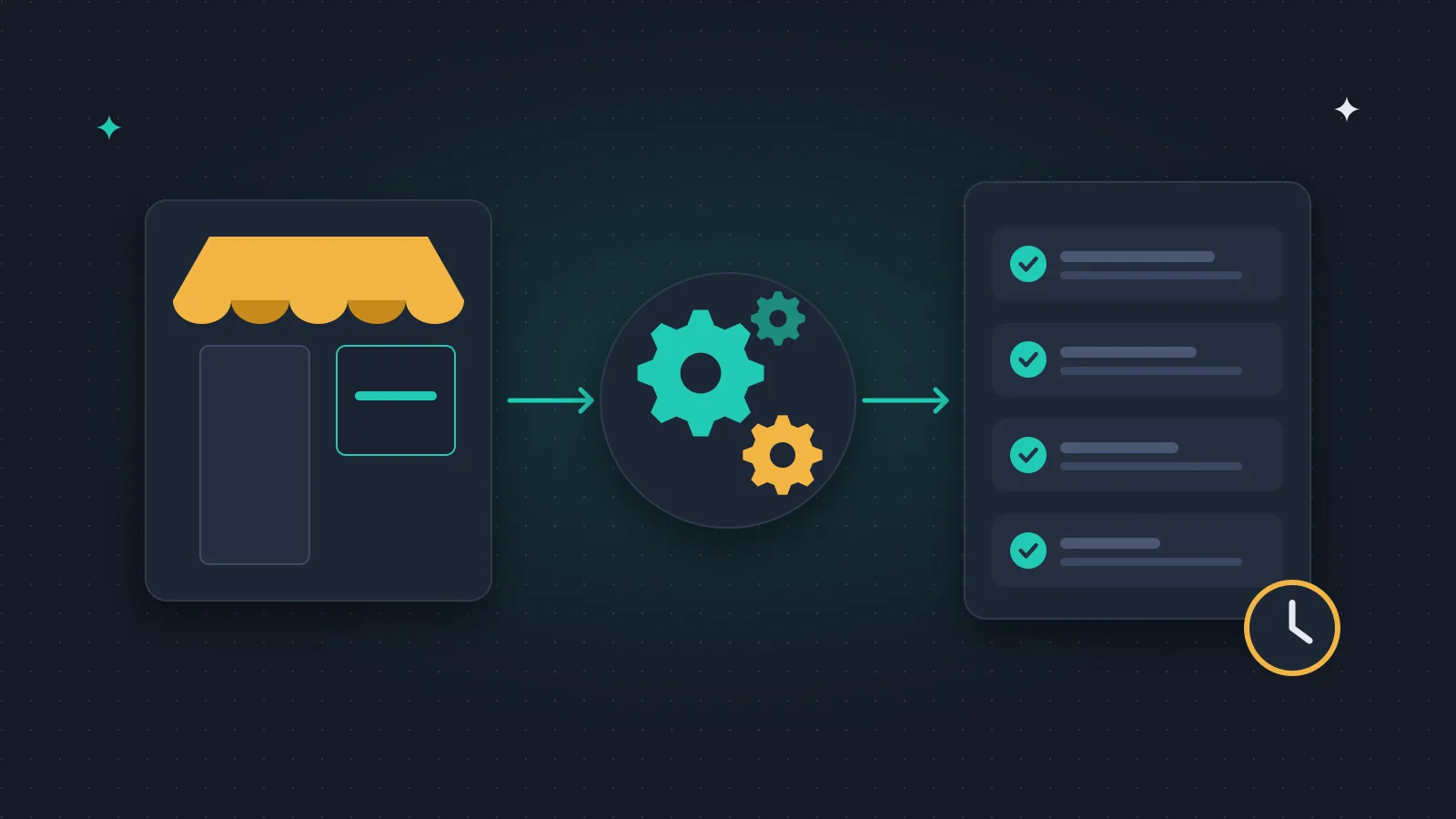
AI automation is a workflow in which artificial intelligence interprets text, organises data or drafts a reply, and a controlled process then uses the result. For a small business, the right start is one regularly repeating task that is easy to measure.
I do not just tell clients this. It is also how we work with our own automations: one process at a time, watching where it goes wrong, and only then the next one. The real benefit always has to be measured on your own process. A general promise of time savings does not tell you whether it pays off for you.
When you need AI, and when simple automation is enough
If a form always sends the same data to the same place, rule-based automation is enough. You do not need AI to get an enquiry into your CRM.
AI is useful when the input varies and has to be interpreted: identifying the type of request in a free-text enquiry, summarising a longer email, or extracting data from documents in different formats.
The two work best together. AI interprets the text, and rules decide which next step the result may trigger.
1. Sorting and preparing enquiries
An incoming enquiry can be turned into a short summary: what the prospect wants, by when, and what information is missing. The system can suggest a category or an owner, and the salesperson checks it and takes over.
Do not let it discard enquiries based on an uncertain AI score, though. At the start, compare its suggestions with what the salesperson would have decided.
Measure processing time, wrong categorisations, and whether real replies got faster. I wrote more about this in the lead qualification guide, and data collection is worth designing deliberately on the enquiry landing page.
2. Email summaries and draft replies
The system can separate quote requests, support cases and internal mail, and the responsible colleague gets a summary and a draft reply to review before sending.
Our own client acquisition has a step like this. An AI reads the replies from the companies we contacted, and if someone writes that they do not want more emails, they are removed from the list automatically. That is exactly the kind of narrow, checkable task AI can be trusted with. It never sends a price or a commitment on its own, though. A person always decides that.
Include review and correction time in your measurement. If the system is often wrong, fast text generation is not a real saving.
3. Extracting data from documents
Required fields can be collected from orders, data sheets or supplier documents, and the process can flag missing data, unusual formats or documents that arrive twice.
Critical fields need validation rules. If an order number does not exist in your records, for example, the document should go to manual review.
Test with poor-quality and incomplete samples as well. Every system does well on easy examples. How it handles errors shows whether it is fit for daily use.
4. Support knowledge base and expert answers
An AI assistant can help find current product or service information and prepare a reply. That needs an organised, updatable knowledge base and a responsible person.
In our own product, DogDietLab, an AI advisor answers questions about dog nutrition, but the professional content is reviewed by an expert. There that is not optional: even a system built on your own sources can be wrong, so there must be a route for when it finds no answer, sees a contradiction, or gets a question a person should handle.
It is also worth checking honestly whether people use it at all. We removed the chat window from our own website because practically nobody wrote in it, and visitors preferred the form. I wrote about what works where in AI chatbot vs. traditional chat.
5. Preparing regular reports
Data collected from the company's systems can be turned into a clear summary, and AI can help put into words what changed and what deserves a look.
The numbers must always come from the data source, though. AI should not fill in missing data with estimates, or claim cause and effect just because two metrics moved at the same time.
A good output is a short weekly summary of deviations to check, with traceable sources. A person remains responsible for the decision.
How to choose the first project
Look for a task that repeats often enough, relies on available data, and has a clear definition of done. It needs an owner who follows testing and daily operation.
Write down the current process from start to finish. Where is data copied by hand? Where does a case wait? Which decision needs expertise? Design the new process including the broken and incomplete cases.
Try the first version in a small circle, and decide in advance what error rate and review effort you will accept. We do the same with our own automations: whatever the AI writes is a draft waiting for approval at first.
How to calculate the return
First measure how long the task takes now. Then include, in the same calculation, the review, correction and operation that remain alongside the automation.
An illustration: processing 200 cases a month takes 3 minutes of human work per case instead of 6. The difference is 600 minutes, or 10 hours a month. If an hour of internal time is worth EUR 40, the freed-up capacity is worth EUR 400. That is not an automatic saving: what matters is what you use the time for.
Software, usage and maintenance costs still have to be subtracted, and the one-off build cost calculated separately. The numbers are only an example, not our prices and not expected results.
You will find more in the cost and ROI guide.
What to ask from whoever builds it
A clear process description, a list of the systems involved, an access plan and error handling rules. Logging, reprocessing and human takeover should be covered.
Costs should separate the build, usage-based fees and operation. At handover you should get test cases and a user guide.
We start our own AI system design work with exactly these conditions. Give no more data access than the task needs, and make it clear who may change the process.
Frequently asked questions
Does every repetitive task need AI?
No. With clear rules and structured data, simple automation is enough.
Do existing systems need replacing?
Not necessarily. First check which data connections and permissions your current systems offer.
Can an AI answering from your own knowledge base be wrong?
Yes. Working from sources reduces some errors, but it does not replace review and handover rules.
When should I allow automatic replies to clients?
When the task is narrow, the information reliable, testing is good and exceptions are handled. For complex replies or anything involving a commitment, keep an approval step.
What should I bring to the first meeting?
One specific workflow, a few shareable samples, the current time spent, and the result you want.
Do you have a repetitive task that takes a lot of time? Tell me where the data comes from and what happens to it now. From that we can see where AI makes sense and where simple automation is enough.