
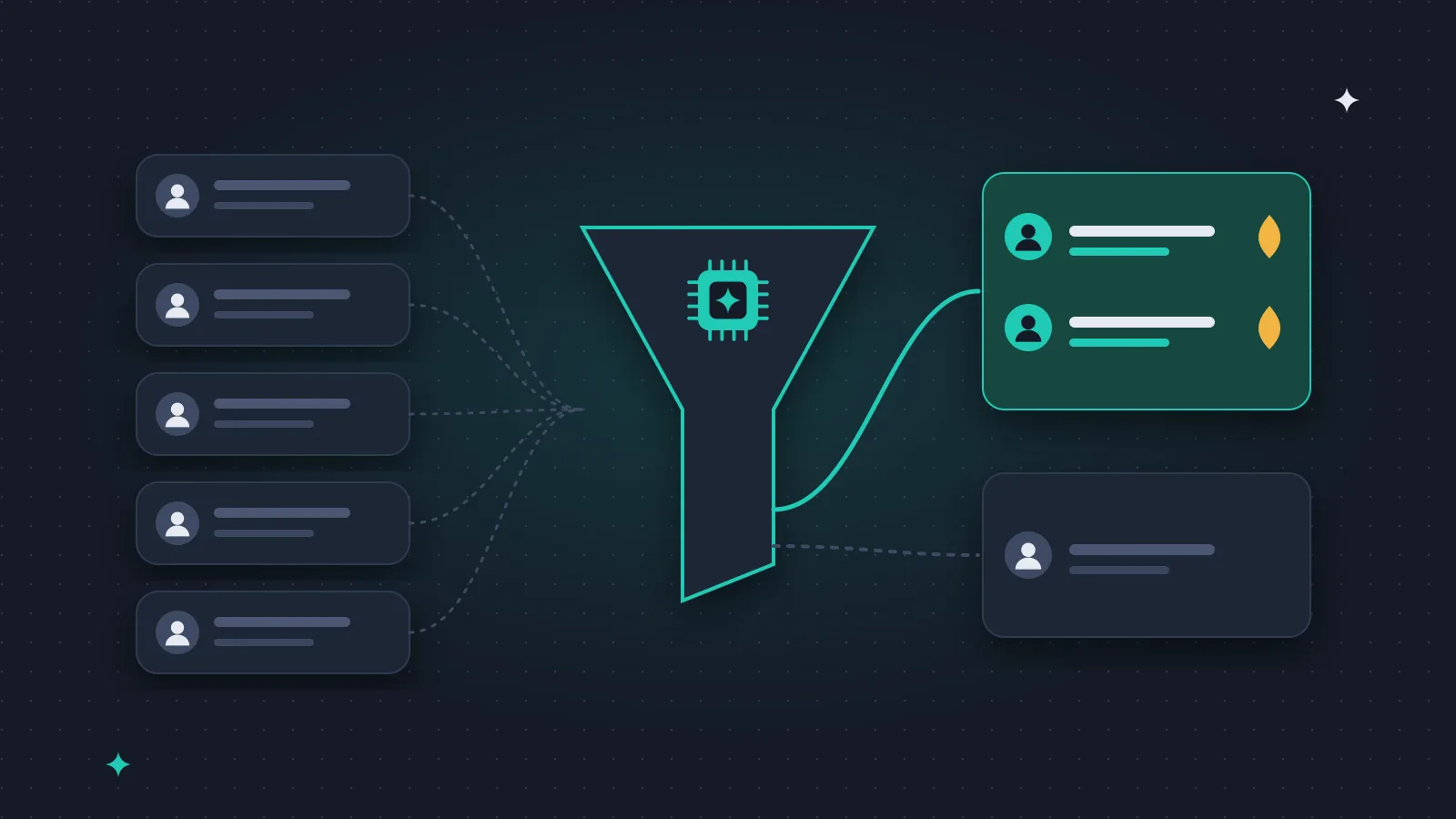
When a business asks me to "add AI to sales", the most useful first project is usually unglamorous: sorting incoming enquiries so that a person spends time on the right ones first. Nobody gets excited about it, but it is where I see the time going.
Here is how I would set it up, and what we learned running something similar in our own business.
What qualification actually means
Qualification is deciding, before a salesperson picks up the phone, which enquiries are real prospects and how urgent they are. The classic framework still works:
- Budget: can they afford it?
- Authority: are they the person who decides?
- Need: do they actually need what you sell?
- Timeline: when do they want to start?
People used to ask these on the first call. An AI can do a first pass on the information you already have.
How the AI does the first pass
1. A short form. Name, company, website, what they need, rough timing. Five to seven fields. If you need fifteen fields to decide, nobody fills it in.
2. Reading the message. How specific is the need? Do they mention a deadline or a budget? Are they asking for a quote or just curious? A language model is genuinely good at this part.
3. A quick look at the company. Website, size, industry, location, from public sources.
4. A category, not just a score. For example: urgent (a person replies today), normal (reply within a day), not now (a polite answer and a useful link), not relevant (a short thank-you).
What we do in our own business
Our outreach replies are read by an AI. If someone is interested, it comes to me. If someone asks not to be contacted again, they are removed from the list automatically. It is a narrow, checkable task, and that is why it works reliably.
A few things we learned the hard way:
- Hard rules belong in code, not in the prompt. If a company has said no, we do not rely on the AI "remembering". There is a fixed exclusion list in the system that no AI decision can override.
- Check that the enquiries arrive at all. For a while our own contact form silently dropped some messages, because a hidden anti-spam field was being autofilled by browsers. No AI helps if the lead never reaches the system. Test your form regularly.
- Be clear about what is sent automatically. Once a reply went out both automatically and by hand. Since then it is always clear which message is sent by whom.
A simple architecture
Website form
  -> save to CRM or database
  -> AI reads and categorises (OpenAI / Claude / Gemini API)
  -> urgent: notification + calendar link
  -> normal: follow-up task for a person
  -> not now: helpful auto-reply
  -> not relevant: short thank-you
If the form and the CRM already exist, a first version is usually a matter of weeks, not months.
Common mistakes
- Letting the AI decide alone. Keep a person on everything except the obvious junk, at least in the first weeks.
- No feedback loop. Once a month, compare the AI's category with what actually happened. Which "normal" leads became clients?
- Too clever auto-replies. Our own form sends a plain thank-you after submission, deliberately with no marketing in it.
- Ignoring data protection. Lead data is personal data. Know where it is processed and stored.
How to start
- Measure how long sorting enquiries takes today, for a week or two.
- Write down what a really good lead looks like for you.
- Run the AI in parallel with a person for two weeks and compare.
- Only then let it route things automatically.
If you want to talk through your own setup, write to me. Our AI systems page shows the kind of work we do.