
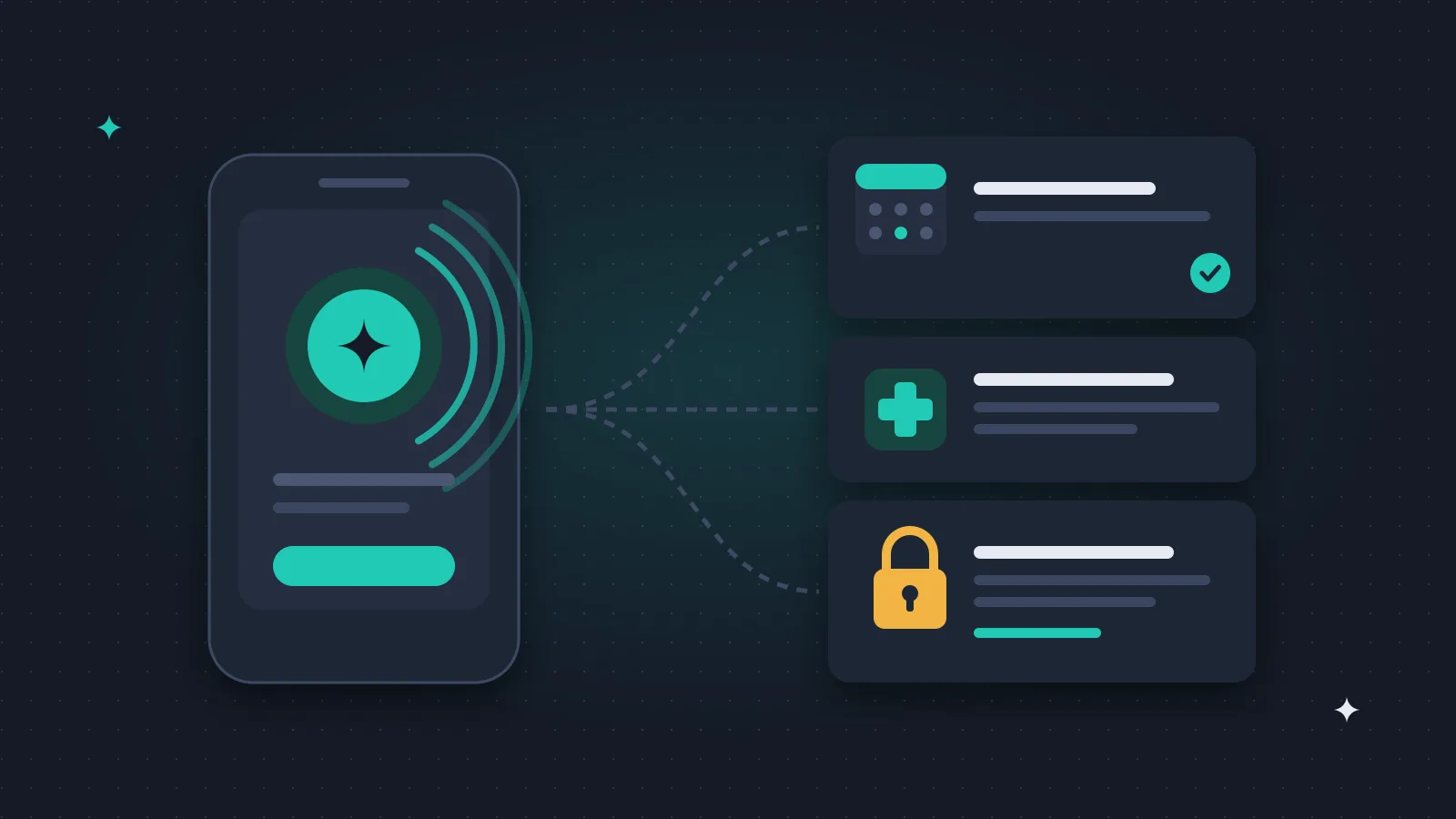
In most practices the front desk does two jobs at once: looking after the patient standing in front of them and answering a phone that does not stop ringing. Something always loses. Either the phone goes unanswered, or the patient at the desk waits. An AI receptionist can take a large share of those calls, but in healthcare the question is not only what it can do. It is what it must never do.
This article builds on the general guide to AI receptionists for small businesses and focuses on what is different in a medical or dental office.
The calls that are safe to automate
Most calls to a practice are administrative, and those are the ones to hand over first:
- Booking, moving and cancelling appointments, directly in your practice management or booking system.
- Opening hours, address, parking, which insurance or payment options you accept.
- Preparation questions that you have written down and approved: what to bring, whether to fast, how early to arrive.
- Prescription renewal and test result requests, taken as a message for staff to handle, not answered by the AI.
- Reminder and confirmation calls, so fewer appointments are missed.
In a dental office the pattern is the same: check-up and hygiene bookings, moving appointments, and new-patient enquiries make up most of the calls.
What it must never do
- Triage or give medical advice. The AI does not decide how urgent a symptom is, and it does not suggest treatment.
- Handle emergencies. If a caller describes chest pain, breathing problems, heavy bleeding or anything similar, the assistant must immediately tell them to call the emergency number (911 in the US, 112 in Europe) and not continue the conversation as normal.
- Read out results or diagnoses. Even if your system could look them up, this stays with clinical staff.
- Pretend to be a person. Patients should know from the first sentence that they are talking to an AI. In the EU this becomes a legal requirement under the AI Act from August 2026.
The safe design is simple: the AI handles logistics, and anything clinical becomes a structured message or a transfer to a person.
Privacy: settle this before anything else
Phone calls to a practice contain health information, so the rules are stricter than for a plumber or a shop.
- In the US, a vendor that handles patient information for you is a business associate under HIPAA. You need a signed Business Associate Agreement (BAA) with them. If a vendor will not sign one, do not use it for patient calls.
- In the EU, health data is a special category under GDPR. You need a data processing agreement, clarity about where recordings and transcripts are stored, and a lawful basis for processing. In Germany, service providers must also be bound to confidentiality under the professional secrecy rules for doctors.
- Recordings and transcripts: decide whether you need them at all. If you do, say so at the start of the call, limit who can read them and set a deletion period.
- Minimum data: the AI should ask only for what the booking needs: name, date of birth if your system requires it, contact number and reason for the visit in general terms.
Ready-made tool or custom set-up?
For a single practice using a common booking system, a ready-made AI receptionist that integrates with it is usually enough. Check that the vendor signs a BAA or a data processing agreement, and where data is stored.
A custom voice agent makes sense when calls have to work with your own systems and rules: several locations with different schedules, treatments that need specific slot lengths, routing to different teams, or patients calling in several languages. The voice is only the front door; the value is in the AI system behind it.
How to introduce it without upsetting patients
- Start with overflow and after-hours calls. The AI takes the calls that would otherwise go to voicemail.
- Give it one job first: bookings and cancellations. Add preparation questions later.
- Always offer a person. "Press 0 or say 'reception'" should work at any point.
- Read transcripts weekly for the first month. You will find questions you never thought to answer on your website.
- Measure unanswered calls, bookings made by the AI, transfers to staff and complaints.
I apply the rule we use in our own systems: give the AI a narrow job that can be checked, and it works reliably. Ask it to "handle the phones" and it will not.
Summary
In a medical or dental office an AI receptionist is worth it for bookings, cancellations, reminders and routine questions. It must stay out of anything clinical, send emergencies straight to the emergency number, and run under a proper privacy agreement. If you want to know whether your call volume justifies it, tell me how your phones work today.