


"Excluded by 'noindex' tag" in the Search Console Pages report means the page itself asked Google not to index it. Google respected that. The request comes either from a meta tag in the HTML (<meta name="robots" content="noindex">) or from an HTTP header (X-Robots-Tag: noindex).
Sometimes that is exactly right. Sometimes it is the reason a whole site or shop does not appear on Google.
Pages that should be noindex
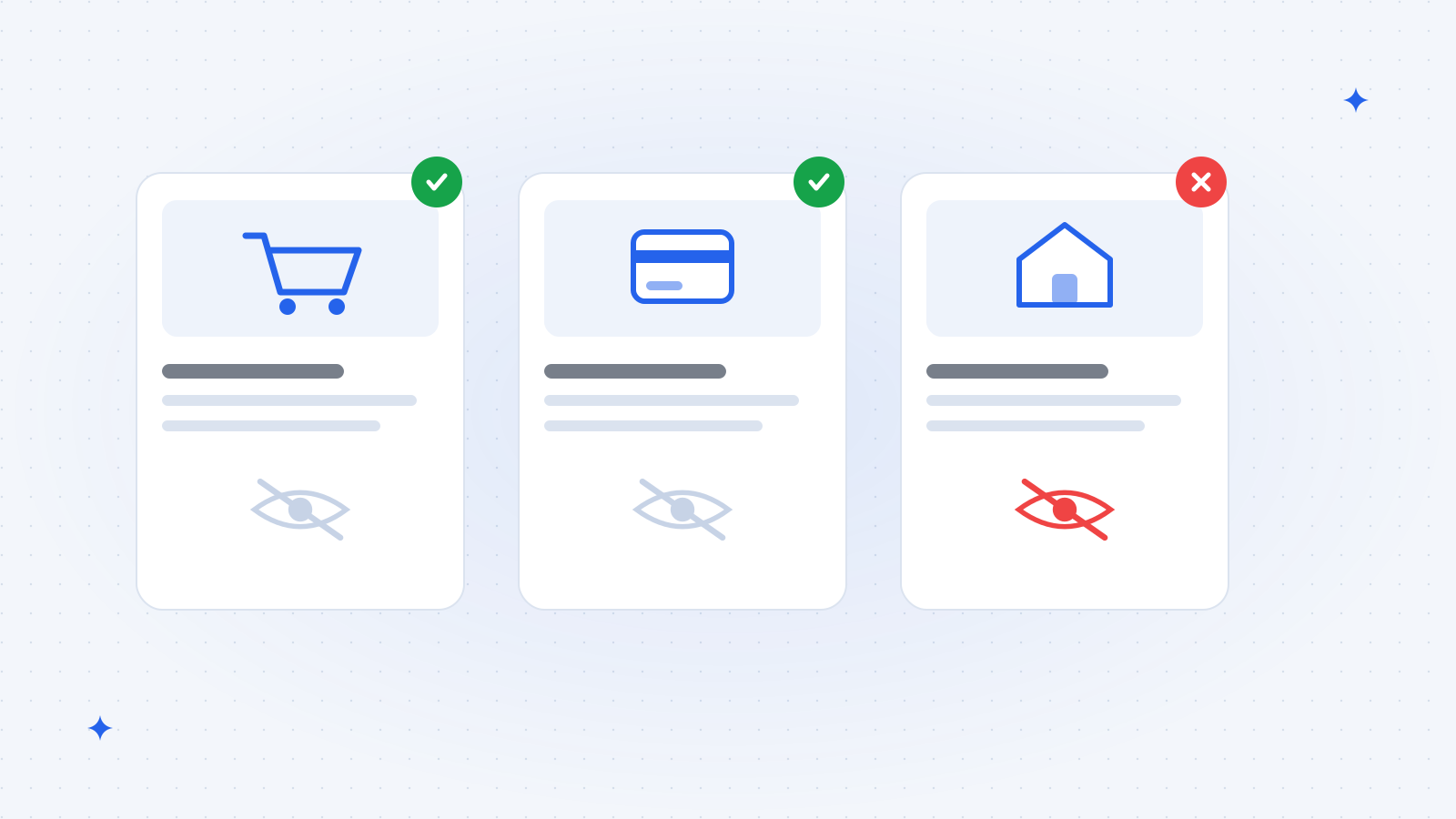
- cart, checkout, my account and order received pages in WooCommerce;
- thank-you pages after a form;
- internal search results;
- login, staging and test pages;
- thin tag or author archives you do not want to rank.
If the list only contains pages like these, there is nothing to fix.
Where an unwanted noindex usually comes from
1. The WordPress "discourage search engines" setting
During development many sites tick Settings, Reading, Discourage search engines from indexing this site. If nobody unticks it at launch, every page gets noindex. This is one of the most common reasons a new site is not showing on Google at all.
2. An SEO plugin setting
Yoast and Rank Math can set noindex per page, per post type or per taxonomy. A single toggle on "Products" or "Product categories" removes the whole catalogue from Google.
Check: in the plugin's search appearance or titles and meta settings, look at each content type. Then open a few individual pages and check their advanced SEO settings.
3. A header set by the server or a plugin
An X-Robots-Tag: noindex header is invisible in the page source. Security plugins, staging configurations on the host or CDN rules can add it.
Check: in URL Inspection, run Test live URL and look at More info, HTTP response. Or check the headers in your browser's developer tools.
4. A cached old version
You removed the tag, but a caching plugin or CDN still serves the old HTML. Clear all caches after the change.
How to fix it, step by step
- Decide which URLs in the list should be indexed.
- Find the source of the noindex (setting, plugin, header) and remove it for those URLs only.
- Clear caches.
- In URL Inspection, run Test live URL to confirm "Indexing allowed: Yes".
- Request indexing for the most important URLs, and click Validate fix in the Pages report.
A trap: noindex plus robots.txt
If a URL is blocked in robots.txt, Google cannot crawl it, so it never sees the noindex tag. The URL can then still appear in results without a description. If you want a page out of Google, allow crawling and use noindex. Use robots.txt to save crawling on URLs that do not matter, as described in Discovered - currently not indexed.
The neighbour status: Page with redirect
In the same report you may see "Page with redirect". It means the URL redirects to another address, so Google indexes the target. For old URLs, http and www versions this is normal. Fix it only by updating your sitemap and internal links so they point straight to the final URL.
How Vistobi helps
- Free SEO check, no account: the free SEO check reads your pages live and checks robots.txt, the sitemap, HTTPS and the main address of the site, plus titles, descriptions and headings, ordered by impact.
- In the 7-day free trial (no card needed): connect Google Search Console and get every fix in priority order with exact steps, re-checked after you change something, plus position, clicks and 28-day change for the keywords you choose, so you see the pages come back.
Takeaways
- noindex is right for cart, checkout, account, thank-you and search pages.
- An unwanted noindex usually comes from the WordPress reading setting, an SEO plugin toggle or a server header.
- Remove it, clear caches, test the live URL and request indexing.
- Do not block a page in robots.txt if you want Google to see its noindex.