


"Discovered - currently not indexed" in the Search Console Pages report means Google knows the URL exists, from a link or your sitemap, but has not crawled it yet. Google has not judged the page at all. It simply has not got round to reading it.
That makes it a different problem from Crawled - currently not indexed, where Google read the page and decided against it. Here, the question is why Google is not spending time on these URLs.
The three usual causes
1. The site or the pages are new
New domains and freshly published pages often sit in this status for days or weeks. Google crawls a site it does not know yet more cautiously. On a small site, this is the most common reason, and it usually clears on its own.
2. Google thinks crawling more would overload your server
Google's own documentation says it may postpone crawling when it expects the site to be overloaded. Slow responses, timeouts and 5xx errors make Google crawl less. Shared hosting with a heavy WordPress install is a typical example.
Check: in Search Console go to Settings, Crawl stats. If the average response time is high or you see host status warnings, speed is part of the problem.
3. Too many low-value URLs compete for attention
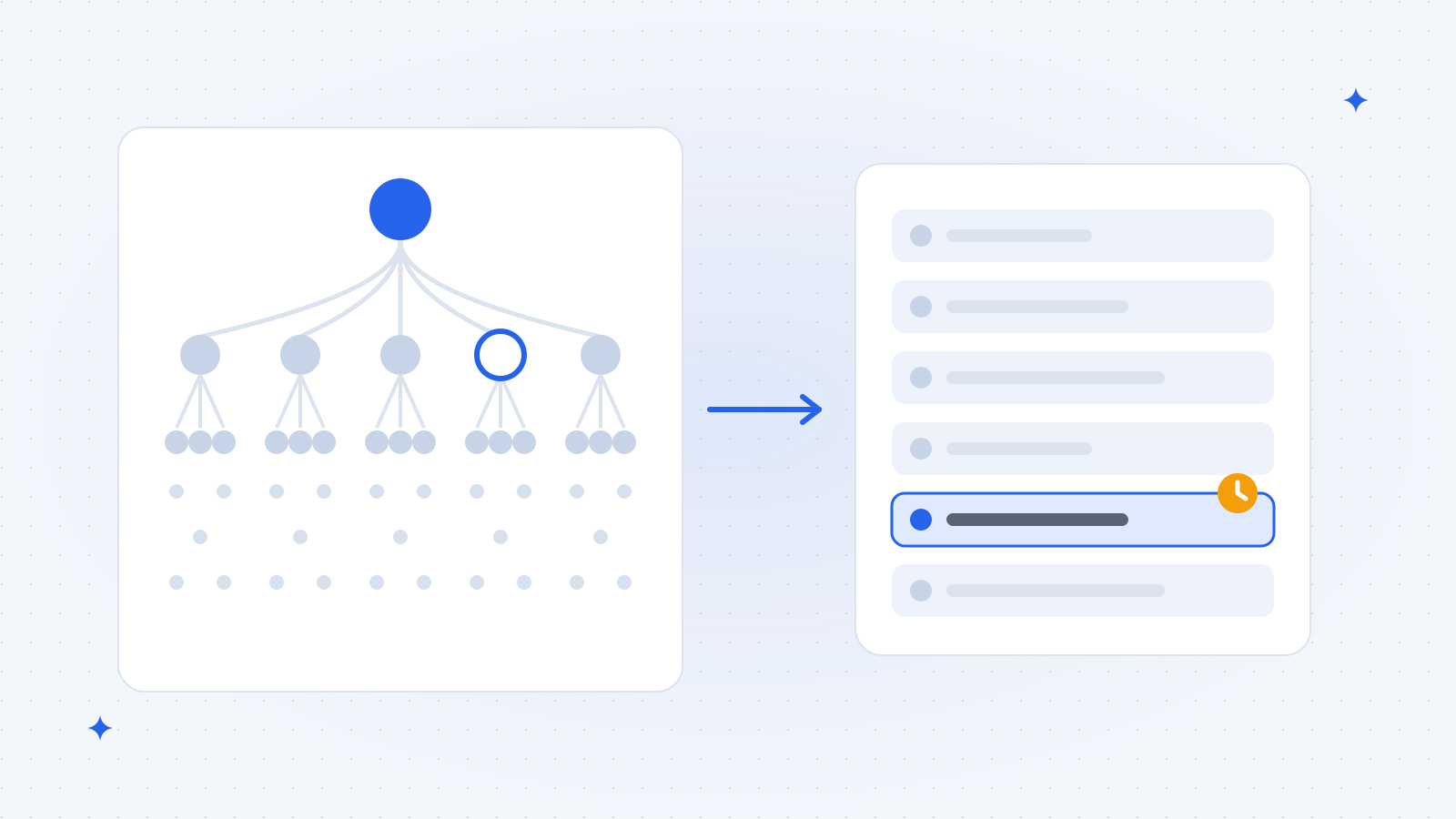
This is the big one for webshops. Filter and sort parameters, endless calendar pages, tag archives and session IDs can create thousands of URLs. Google discovers them all, then has to decide which to crawl, and your new product pages wait in line.
How to get important pages crawled
- Link to them from strong pages. Add the new page to your main menu, a category page or the homepage for a while. Pages linked from frequently crawled pages get crawled sooner.
- Keep the sitemap clean. List only URLs you want indexed, with status 200, no redirects and no noindex pages. A sitemap full of junk teaches Google to trust it less.
- Stop creating useless URLs. Block filter and sort parameters from crawling in
robots.txtwhere they add nothing, and do not link to them from every product listing. Be careful: a page blocked in robots.txt cannot show Google a noindex tag, so decide per URL type. - Make the server faster. Caching, a better host and fewer heavy plugins shorten response times, and Google crawls more when the site answers quickly.
- Request indexing once for the few URLs that matter most, using URL Inspection.
What not to do
- Do not resubmit the same URL every day. It does not move it up the queue.
- Do not buy "instant indexing" services that ping Google's Indexing API for normal pages. That API is meant for job postings and livestreams.
- Do not delete pages just because they are in this list. If they are useful, they need links and patience, not removal.
How Vistobi helps
The Pages report in Search Console remains the source for which URLs wait to be crawled. Vistobi helps with the conditions around it:
- Free SEO check, no account: the free SEO check reads your site live and flags sitemap and robots.txt problems, HTTPS and the main address of the site, plus titles, descriptions and headings, ordered by impact.
- In the 7-day free trial (no card needed): connect Google Search Console and Vistobi shows every fix in priority order with exact steps, re-checked after each change, plus position, clicks and 28-day change for the keywords you choose, so you see when new pages start to rank.
Takeaways
- Discovered means Google knows the URL but has not read it yet.
- On small or new sites, give it a few weeks and add internal links.
- On shops and large sites, reduce low-value URLs and speed up the server so Google spends its time on pages that matter.
- Once a page is crawled but still missing, read Crawled - currently not indexed.