


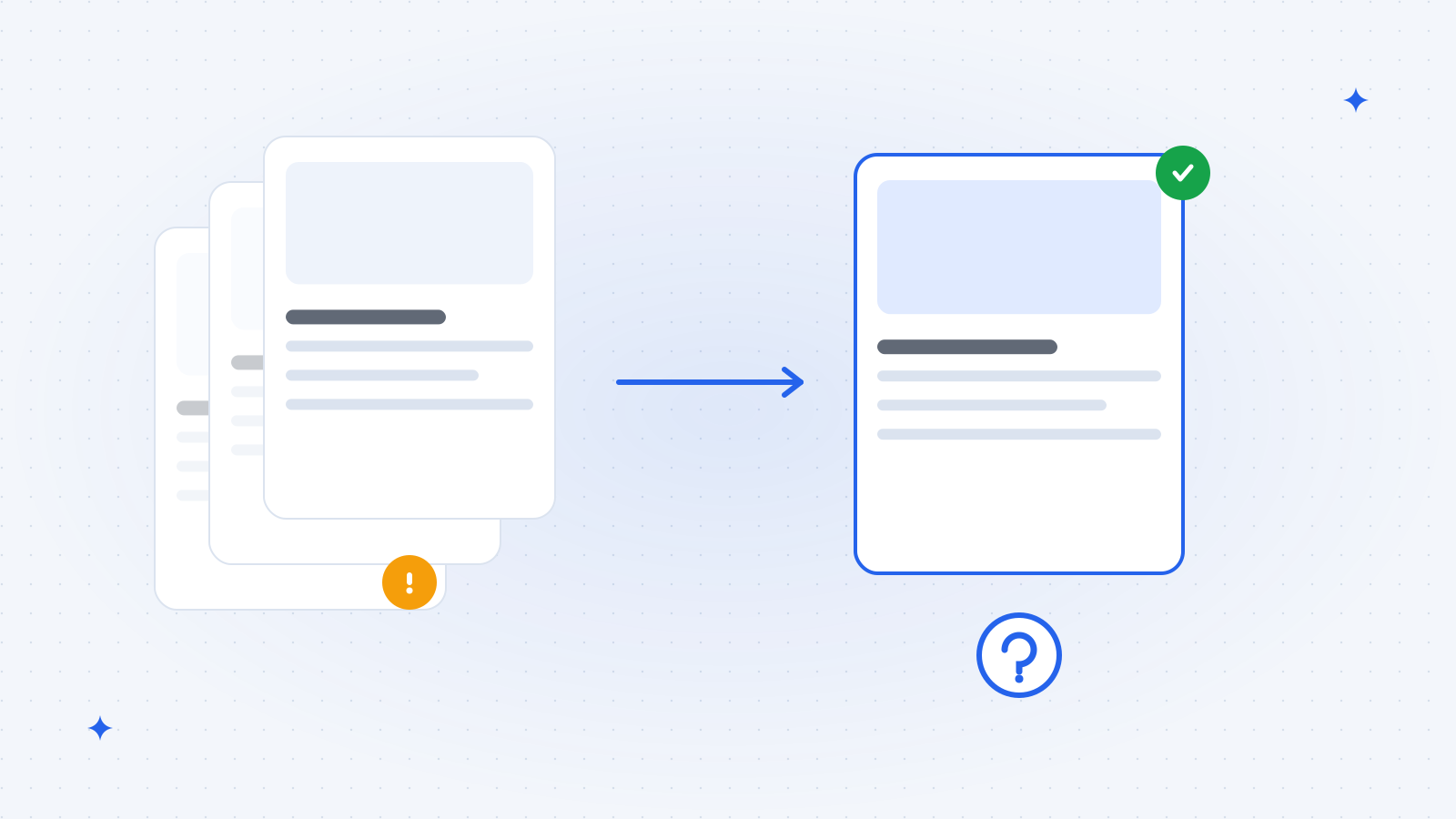
This status in the Search Console Pages report means Google found two or more URLs with the same or very similar content, none of them carries a canonical tag saying which one is the original, so Google picked one itself. The URL in the list is the one it did not pick.
In many cases that is exactly what you want, and you can move on. It is worth fixing in two situations: when Google picked the wrong URL, and when you have hundreds of duplicates splitting your links and signals between versions.
First, check what Google chose
Open URL Inspection for one of the listed URLs. Under Page indexing you will see two lines: User-declared canonical (probably "None") and Google-selected canonical.
- Google chose the page you want to rank: fine. Adding a canonical tag is still good practice, but it is not urgent.
- Google chose something else (a parameter URL, the http version, a tag page): fix it with the steps below.
Where duplicates usually come from
| Source | Example |
|---|---|
| http and https, www and non-www | http://shop.com/a and https://www.shop.com/a |
| Trailing slash | /product and /product/ |
| Tracking and sort parameters | ?utm_source=newsletter, ?orderby=price |
| Product in several categories | /shoes/red-sneaker/ and /sale/red-sneaker/ |
| Copied text | five variant products with the same description |
| Print, AMP or old versions | /article/print/ |
How to fix it
1. Pick one address for the whole site
Your site should answer on one version only: https, either with or without www. Every other version should 301 redirect to it. This one setting removes a whole class of duplicates at once.
2. Add a self-referencing canonical to every real page
Each page you want indexed should carry <link rel="canonical" href="..."> pointing to its own clean URL. Yoast, Rank Math and most modern themes do this automatically; check the page source to confirm it is there and points to the https address.
3. Point duplicates to the main version
For variants that must stay reachable, such as a product listed under two categories, set the canonical on the duplicate to the main URL. Google will then show "Alternate page with proper canonical tag" for it, which is the good version of this status.
4. Redirect or merge true copies
If two pages exist only because someone copied a page, merge them and 301 redirect the old URL. A redirect is a stronger signal than a canonical tag, which Google treats as a hint.
5. Make near-duplicates genuinely different
If five products share one supplier text, a canonical will not help, because they are different products. Write a distinct description for each one, or Google may keep only one of them, as in Crawled - currently not indexed.
WooCommerce notes
- Use one product permalink structure. If products appear under
/product-category/x/product-name/, make sure only one path is linked and canonical. - Sorting and filtering links (
?orderby=,?filter_) should not be linked as plain links on every listing if you can avoid it. - Check that your SEO plugin sets canonicals on paginated category pages to the page itself, not to page 1.
How Vistobi helps
- Free SEO check, no account: the free SEO check flags duplicate and missing titles and descriptions, which is often the first sign of duplicate pages, and checks HTTPS and the main address of the site.
- In the 7-day free trial (no card needed): connect Google Search Console and get every fix in priority order with exact steps, re-checked after you change something, with position and clicks for the keywords you choose, so you see whether the right URL ranks.
Takeaways
- The status means Google picked a canonical for you. Check whether it picked well.
- One site address, self-referencing canonicals and 301s for copies fix most cases.
- Similar products need different text, not just a canonical tag.