


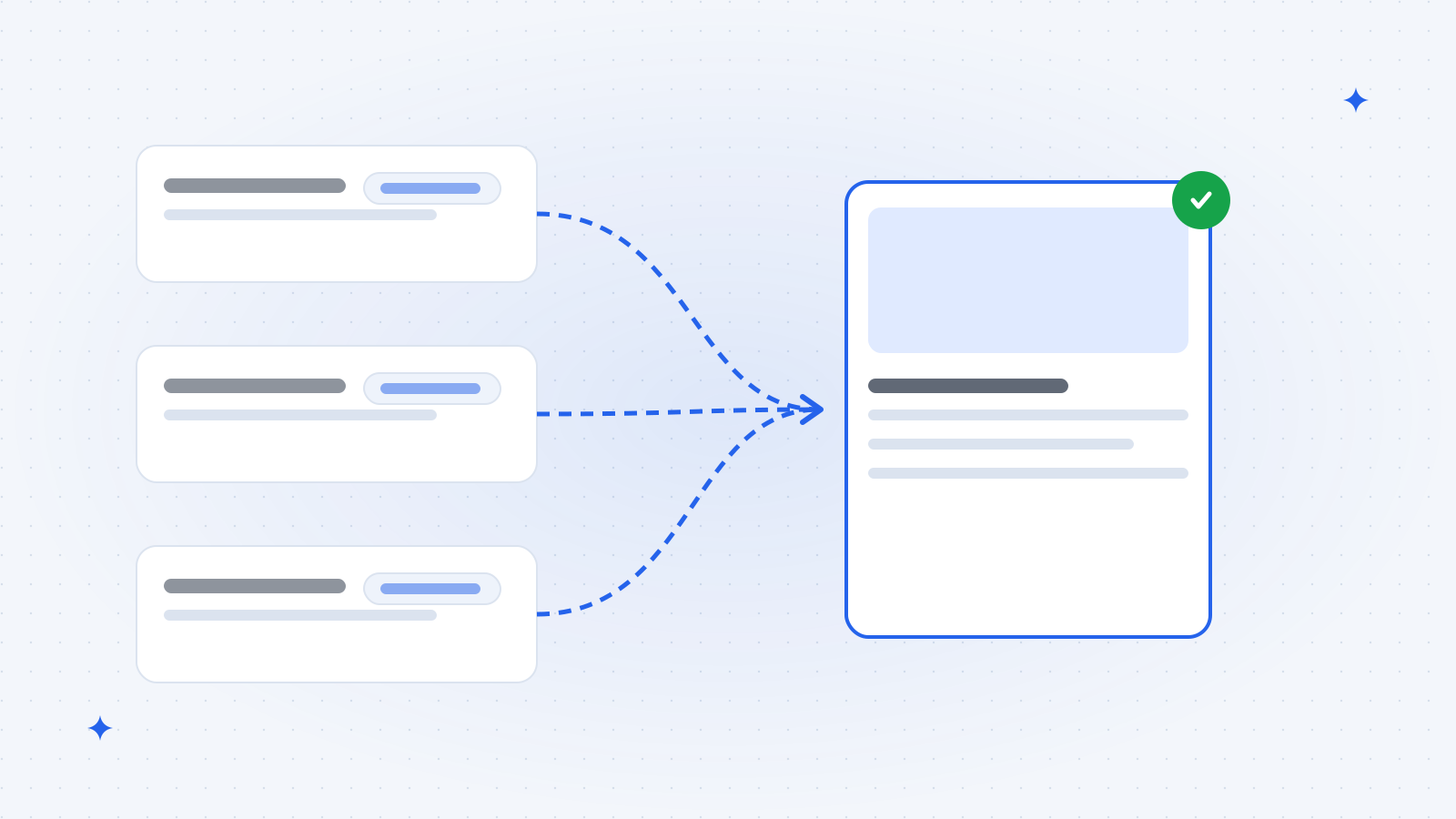
This is the status in the Search Console Pages report that worries people most and matters least. "Alternate page with proper canonical tag" means the page has a canonical tag pointing to a different URL, and Google accepted it. Google indexed the other URL instead, exactly as you asked.
So in most cases the right action is none.
When it is completely fine
- URLs with tracking parameters (
?utm_source=...,?fbclid=...) that point to the clean URL; - sort and filter versions of a category page;
- a product listed in two categories, where one path is the main one;
- AMP, print or mobile versions pointing to the main page;
- old URLs kept reachable but pointing to their replacement.
A long list here often just reflects how many links with parameters exist to your site, for example from newsletters and ads.
Three cases where it is a real problem
1. A page you want to rank points somewhere else
Check a few URLs from the list. If you see a main product, service page or article, its canonical tag is wrong. Common causes are a theme or plugin bug, or a page copied from another page with the canonical field copied too.
Fix: set the canonical to the page's own URL, then use Request indexing.
2. Language versions point to one language
If your German and French pages show up here with the English page as canonical, Google will show only English. Every language version should have a self-referencing canonical, plus hreflang tags that list the other languages.
Fix: correct the canonical on each language version. In WordPress this is usually a setting in the translation plugin.
3. Paginated pages point to page 1
Page 2, 3 and so on of a category or blog should point their canonical to themselves, not to page 1. Otherwise products or posts that are only linked from later pages are harder for Google to find.
How to check quickly
- Open the list in the Pages report and export it.
- Sort by URL and scan for paths without parameters. Those are the ones to look at.
- Open URL Inspection for each suspicious URL and compare User-declared canonical with the URL itself.
If Google did not accept your choice, the status will be different. See Duplicate without user-selected canonical for that case.
How Vistobi helps
- Free SEO check, no account: the free SEO check reads your pages live and lists missing or duplicate titles and descriptions, headings, the sitemap, robots.txt, HTTPS and the main address of the site, ordered by impact.
- In the 7-day free trial (no card needed): connect Google Search Console to see position, clicks and 28-day change for the keywords you choose, so you notice quickly if a page stops ranking after a canonical change.
Takeaways
- This status usually means your canonical tags work.
- Only act when a page you want to rank, a language version or a paginated page appears in the list.
- Each real page should point its canonical to itself.