
404 Error – What is it, why does it happen, and how can it be fixed?
The "404 error" is a common problem in web development that most developers will encounter sooner or later. If you are a beginner web developer, it is worth understanding what a 404 error means, what causes it, and how you can avoid and fix it. In this post, we will examine the most common causes and solutions for the 404 error so you can easily remedy the problem if you encounter it.
What is a 404 Error?
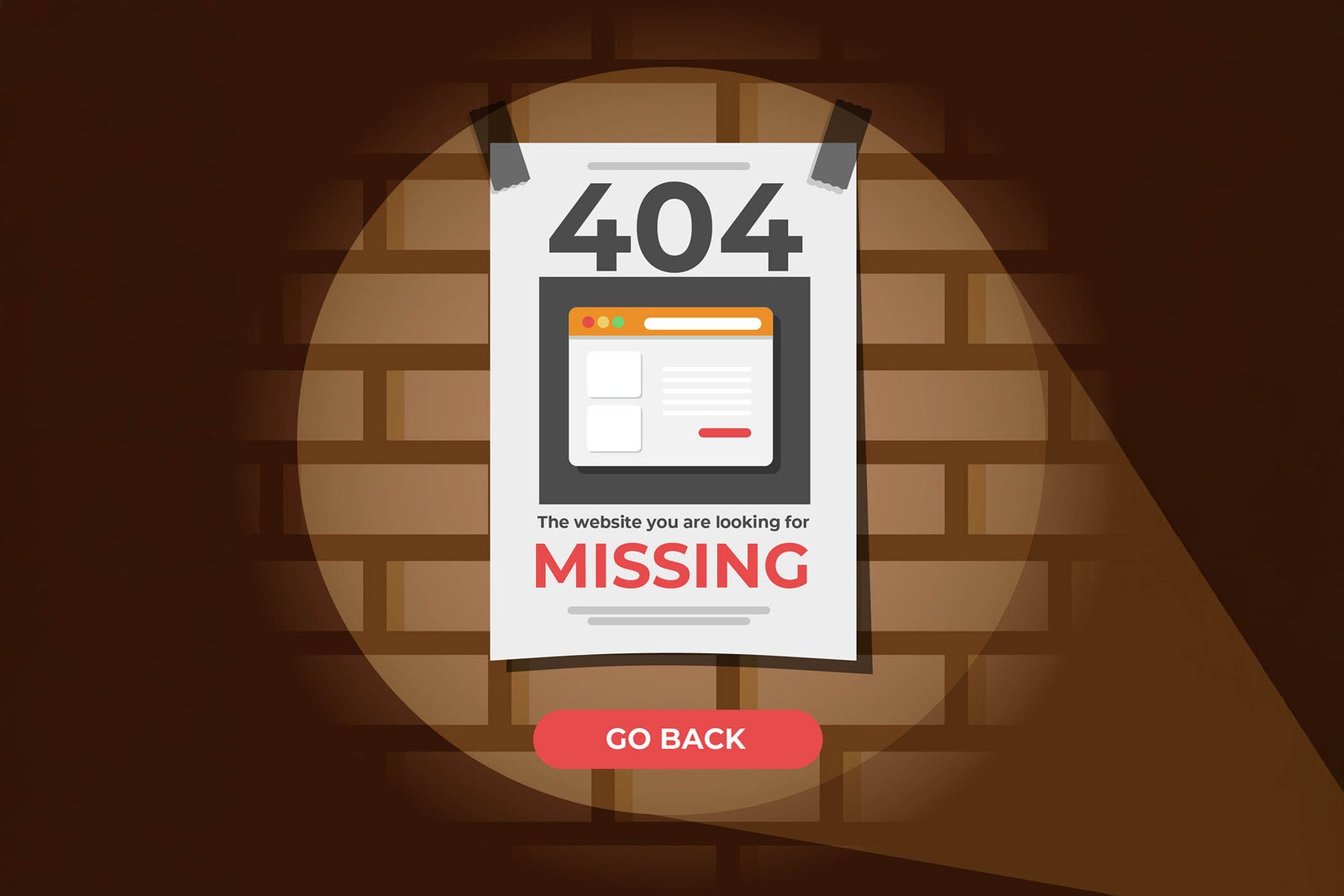
A 404 error is an HTTP status code that appears when the browser cannot find the page you are trying to open on the server. This often appears in the form of a “404 Not Found” message, indicating that the requested target page cannot be found.
What Causes a 404 Error?
A 404 error can occur for several reasons, but the most common problems are the following:
-
Typos in links: If you mistype or incorrectly provide a link's URL, the browser will not be able to load the page and will return a 404 error.
-
Deleted or moved pages: When you delete or move a page to a new URL but do not set up a redirect, visitors arriving at the old URL will receive a 404 error.
-
Incorrect filename or folder path: Incorrect naming of files or a faulty folder structure can also cause this error.
-
Broken links in menus or internal links: An internal link might be broken, for example, if a link's URL in a menu has changed but you haven't updated it.
How Can You Avoid a 404 Error?
Anticipating the error and taking preventive steps can save you and your visitors a lot of frustration. Here are some tips:
-
Regular link checking: Use SEO tools or plugins (e.g., Screaming Frog, Ahrefs) that scan your website and check for broken links. This way, you can detect in time if any link is not working.
-
Avoid URL structure changes: If possible, do not change the URL structure. If you must modify it, set up a 301 redirect to the new URL so that visitors arriving from the old address are automatically directed to the new location.
-
Pre-configured 404 page: Create a custom 404 page that informs visitors that the page cannot be found and offers useful links or a search bar for navigation.
-
Regular checking and updating of links: Especially for dynamic content such as blog posts or product pages, ensure that internal and external links are always up-to-date.

How Can You Fix a 404 Error?
If you have already detected a 404 error, here are some steps to help you quickly resolve the problem: **1. **Checking and fixing links Go through your website's links and check if they correctly point to the appropriate pages. If a typo or incorrect URL is the problem, fix them in the source (HTML, CSS, or the content management system's admin interface).
2. Setting up 301 redirects If you have moved a page to a new URL, set up a 301 redirect from the old URL to the new one. You can do this in the .htaccess file (for Apache servers) or in the server configuration. 301 redirects ensure that visitors arriving from old links are directed to the new URL, and search engines also properly update their index.
3. Creating a custom 404 error page Create a custom 404 error page that friendly informs the visitor that the page cannot be found. This page can include a search bar, some important links (e.g., homepage, services, contact), and even a funny or inspiring message to prevent the visitor from leaving the site.
4. Checking CMS (Content Management System) settings If you are using a content management system (e.g., WordPress), make sure that permalinks are set up correctly and there are no conflicts between settings. Additionally, you can use plugins, such as “Redirection” for WordPress, to automatically manage redirects.
How Can Optimizing the 404 Error Page Help with SEO?
Fixing 404 errors not only improves user experience but can also be beneficial for SEO. Reducing the number of broken pages increases your website's credibility in the eyes of search engines and improves the overall performance of the site. Custom 404 error pages can help retain visitors, thereby reducing the bounce rate.
Summary
The 404 error is a common problem, but with proper maintenance and optimization, it can be avoided and easily fixed. Regular checking of links, setting up 301 redirects, and creating a well-designed 404 page help ensure your website runs smoothly and provides a positive experience for visitors.
For more useful content, check out our SEO consulting page or read our previous articles on web development!
About the author

Bálint Somos is the founder and project lead of Somos Media. He has built websites and run SEO for more than ten years, and leads the development of Agrider's multilingual machinery catalogue and Melini's international stores.
Free website auditby email within 24 hours
Our team reviews your website and emails you what's worth fixing within 24 hours. Speed, SEO, conversion, technical issues. No fluff, just concrete next steps.
- PageSpeed and technical analysis
- SEO issues and opportunities
- Conversion recommendations, prioritized
Would you rather talk about your project?Let's talk