


A good photo in the wrong shape loses half its effect. Instagram crops it, Pinterest shrinks it, and the text on your offer ends up behind the profile name in a Story. The fix is simple: pick the right shape before you post.
In our agency work at Somos Media, one of the things we fix most often before a post goes out is not the text but the picture: a product cut off at the top, or a wide photo that looks tiny in the feed. That is why the Vistobi editor suggests the right shape for each platform before anything is published.
The sizes in one table
| Platform | Format | Size in pixels | Ratio |
|---|---|---|---|
| Portrait post (best choice) | 1080 × 1350 | 4:5 | |
| Square post | 1080 × 1080 | 1:1 | |
| Landscape post | 1080 × 566 | 1.91:1 | |
| Story and Reel | 1080 × 1920 | 9:16 | |
| Feed post | 1080 × 1350 or 1080 × 1080 | 4:5 or 1:1 | |
| Shared link preview | 1200 × 630 | 1.91:1 | |
| Story | 1080 × 1920 | 9:16 | |
| Standard pin | 1000 × 1500 | 2:3 | |
| Google Business Profile | Photo | at least 720 × 720 | any |
| Google Business Profile | Post image | 1200 × 900 | 4:3 |
If you remember only one number: 1080 × 1350. That portrait shape works on both Instagram and Facebook and takes up the most space on a phone screen.
Tip: Remember one size: 1080 × 1350. It works on Instagram and Facebook and takes up the most space on a phone.
The tall 4:5 post fills more of the screen than a square one, so people stop on it more often. Since 2025 the profile grid shows posts as taller 3:4 thumbnails, so keep the main subject in the middle and away from the top and bottom edge.
You can upload a 3:4 photo in the Instagram app, but scheduling tools that publish through Instagram's official connection only accept shapes between 4:5 and 1.91:1. If you plan ahead, stick to 4:5.
For Stories and Reels, keep text and buttons out of the top and bottom 250 pixels. Your profile name sits at the top and the reply field at the bottom.
Use the same 4:5 or square image as on Instagram. For a link to your website, Facebook takes the preview picture from your page, so give your pages a 1200 × 630 sharing image. Your cover photo is cropped differently on computers and phones, so keep the important part in the centre.
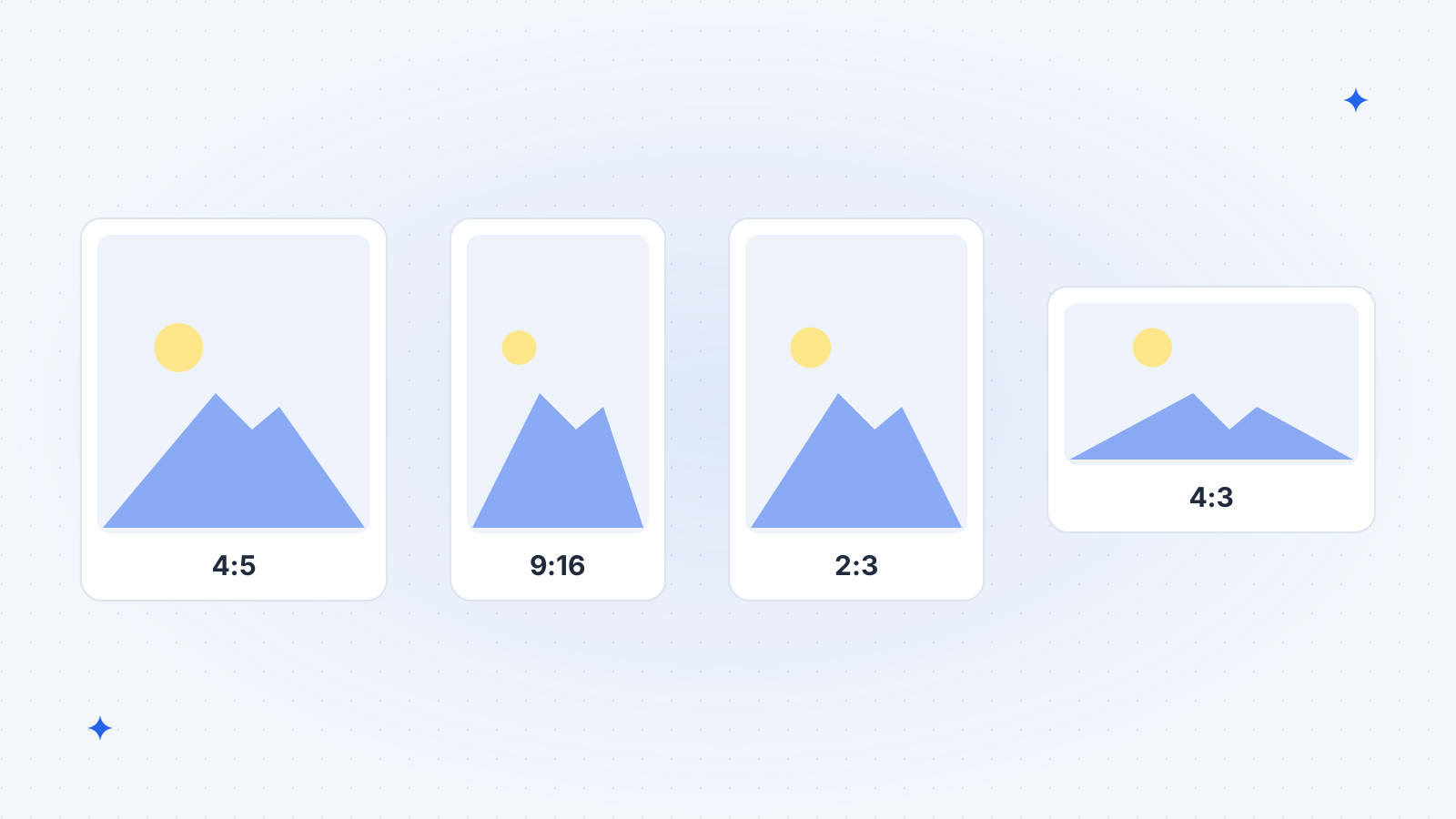
Pinterest is vertical. A 2:3 pin of 1000 × 1500 pixels is the standard; much longer pins can be cut off in the feed. Put a short, readable title on the image itself, because many people scroll Pinterest without reading the description.
Google Business Profile
Google accepts JPG and PNG photos between 10 KB and 5 MB, at least 250 × 250 pixels; 720 × 720 or larger looks sharp. Post images are shown in a 4:3 frame, so 1200 × 900 works well. Use real photos of your place, team and work rather than graphics full of text. More in managing your Google Business Profile.
Five habits that save you crops
- Shoot photos vertically when they are meant for social media.
- Leave space around the subject, so any crop still works.
- Use JPG for photos and PNG for logos or graphics with text.
- Do not enlarge a small image. Start from at least 1080 pixels wide.
- Put your logo small in a corner, not across the middle.
How Vistobi helps
When you add a picture to a post in Vistobi, the editor suggests the right shape for each channel: 4:5 for Instagram and Facebook, 2:3 for Pinterest. You move and zoom the crop yourself, Vistobi warns you when an image is too small, and it blocks shapes Instagram would refuse. Your logo can go on automatically from your logo library, in your saved image style. Then pick the best time to post and let it go out by itself.
Key points
- 1080 × 1350 (4:5) is the safest size for Instagram and Facebook posts.
- Stories and Reels: 1080 × 1920, with text away from the top and bottom.
- Pinterest: 1000 × 1500 (2:3).
- Google Business Profile: real photos, at least 720 × 720; post images 4:3.
- Keep the subject in the middle so every crop still works.