


Most people read reviews before they visit a shop or book a service, and many of them also read the replies. A good reply costs you two minutes and shows every future customer how you treat people. Here is the routine we use for our own businesses and for our clients.
Why replying to Google reviews matters
Reviews are written by your customers, but the replies are written by you. They are one of the few things on your Google Business Profile that you fully control. Google itself recommends responding to reviews, because it shows that you value your customers and their feedback.
Replies also answer questions for the next reader. If someone praises your quick delivery, your reply can mention that you deliver on Saturdays too. If someone complains about a long wait, your reply can explain what you changed.
When to reply
- Negative reviews: always, ideally within a day.
- Positive reviews: as many as you can. If you get dozens a week, reply to the ones with details first.
- Star rating without text: a one-line thank you is enough.
Set a fixed time, for example every morning with your coffee. A short daily routine works better than a long session once a month.
How to respond to a positive review
Keep it short: one to three sentences. Thank the person, mention one concrete detail from their review, and stop there. No sales pitch, no copy-pasted text.
Example:
Thank you, Anna! We are glad the birthday cake arrived on time and that the kids loved the chocolate layer. See you next time.
What makes it work: the name, one real detail, and a natural tone. The same sentence under every review looks automated, and readers notice.
How to respond to a negative review
A negative review is your chance to show the next customer how you handle problems. Stay calm and keep it to three sentences or fewer.
- Thank them and acknowledge the problem. Do not argue about the details in public.
- Say what you did or will do. Only promise what you will really do.
- Offer a direct way to talk. Give a phone number or email so the conversation can continue privately.
Example:
Thank you for telling us, and we are sorry the order arrived late. We have changed our courier for weekend deliveries. Please call us at the shop so we can make it right.
If the review is unfair, the reply is still for the next reader, not for the reviewer. A calm, factual answer makes you look better than any argument.
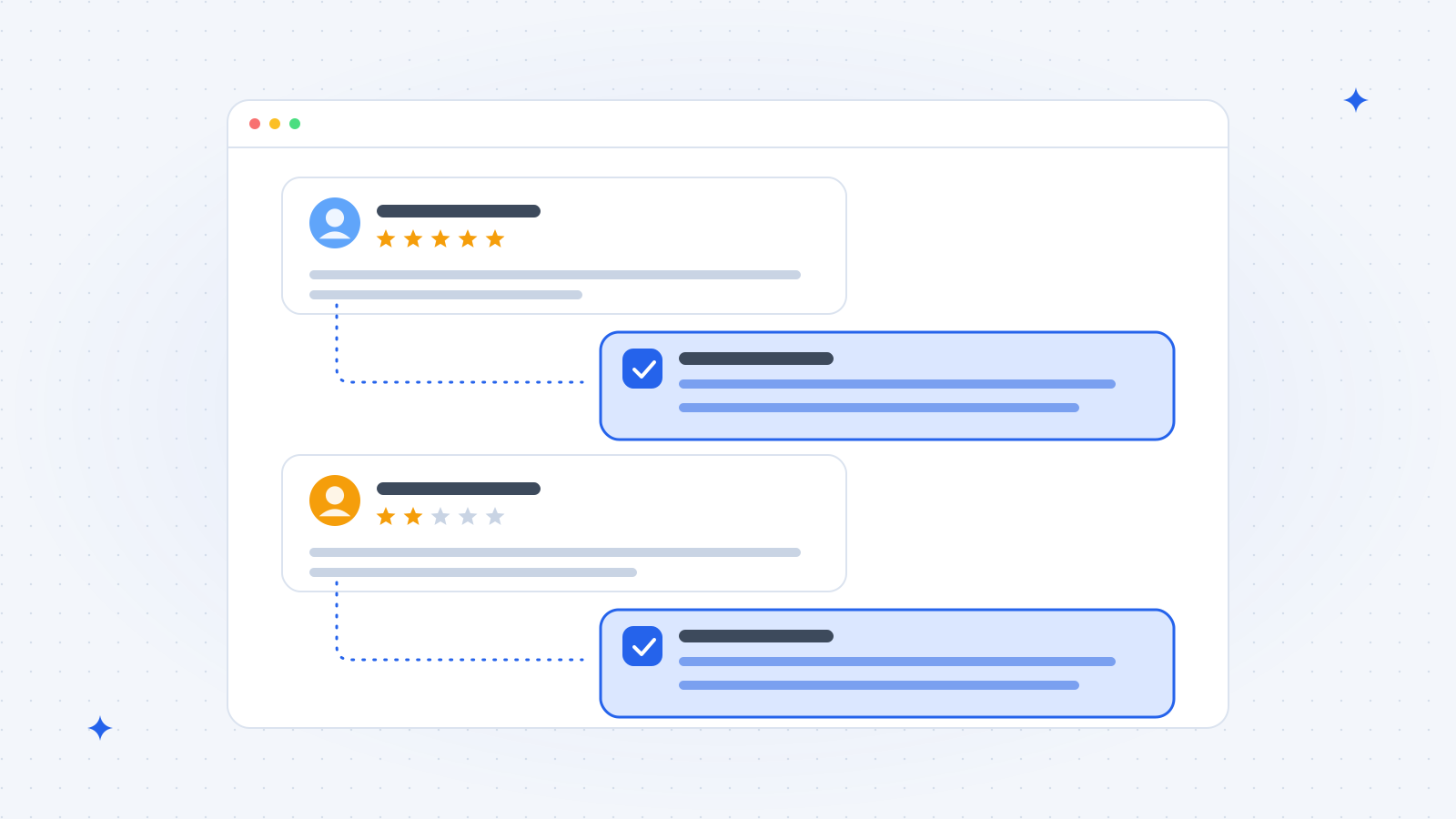
Review response examples you can adapt
Short 5-star review with no text:
Thank you for the five stars, we really appreciate it!
Review that mentions a staff member:
Thank you, Mark! I will pass this on to Eva, she will be happy to hear it.
Mixed review (good product, slow service):
Thank you for the honest feedback. We are glad you liked the coffee, and you are right about the queue on Saturday mornings. We now have an extra person at the counter on weekends.
Review that is clearly not a customer:
We could not find your visit or order in our records. If we missed something, please contact us directly so we can look into it.
In this last case, also report the review in your Google Business Profile if it breaks Google's policies.
Mistakes to avoid
- Copy-paste replies. The same text under every review reads like a bot.
- Arguing in public. Even if you are right, a long defence puts readers off.
- Sharing private details. Never mention order numbers, health information or anything personal.
- Offering rewards for reviews. Google does not allow discounts or gifts in exchange for reviews.
- Asking only happy customers. Google also does not allow selective asking. Ask everyone the same way.
How to get more reviews to reply to
The easiest way is a direct link that opens the review box. Create yours with our free Google review link generator, then add it to your thank-you emails, receipts and a small QR code card at the counter. Ask every customer the same way, right after a good experience.
Reviews work best on an active profile, so pair them with weekly Google Business Profile posts and a simple Google Business Profile management routine.
How Vistobi helps
Vistobi connects to your Google Business Profile, notices new reviews, and drafts a short, personal reply for each one in your brand voice. You read it, change what you want, and approve it. Nothing is posted without your approval. It also reminds you when it is a good time to ask for reviews again. See the plans on the Vistobi pricing page.