


Most small businesses do not have a social media problem, they have a time problem. The posts do not get written, or they get written at 10 pm on a Sunday. A scheduler helps, but only if it fits the way a small team works. This is how we would choose one.
What a small business really needs from a scheduler
Big social media suites are built for marketing teams with analysts and approval chains. A small business needs four things:
- A simple calendar. See the next two weeks at a glance and move a post with one click.
- The channels your customers use. Usually two or three, not ten.
- Help with writing. For most owners the blank page is the bottleneck, not the timing.
- An approval step. Nothing should go out that you have not read.
If a tool does these well, you can ignore most of the rest.
Features that matter
- Post once, adapt per channel. One idea can become an Instagram caption, a Facebook post and a Google Business Profile update, each in the right length.
- Scheduling for the channels you use. Check that the tool really publishes to each one, not only sends you a reminder.
- Your brand voice. If the tool writes or suggests text, it should sound like you, not like a generic marketing template.
- Images. Your own photos first. Stock or AI images only as a fallback.
- Google Business Profile. For local businesses this channel is often more valuable than any social network, because people see it at the moment they search.
Features you can probably skip
- Detailed social listening and sentiment reports.
- Ten or more channels you will never use.
- Complex team roles if you are one or two people.
- Hashtag research tools, unless you work in a hashtag-driven niche.
Questions to ask before you choose
- Which two or three channels bring you customers today?
- Who writes the posts, and how much time does that take?
- Do you need to approve every post, or can someone else publish?
- Do you serve local customers who search on Google Maps?
- What does the tool cost per month once you add the channels and posts you need?
Write the answers down before you start a trial. It keeps you from choosing on features you will not use.
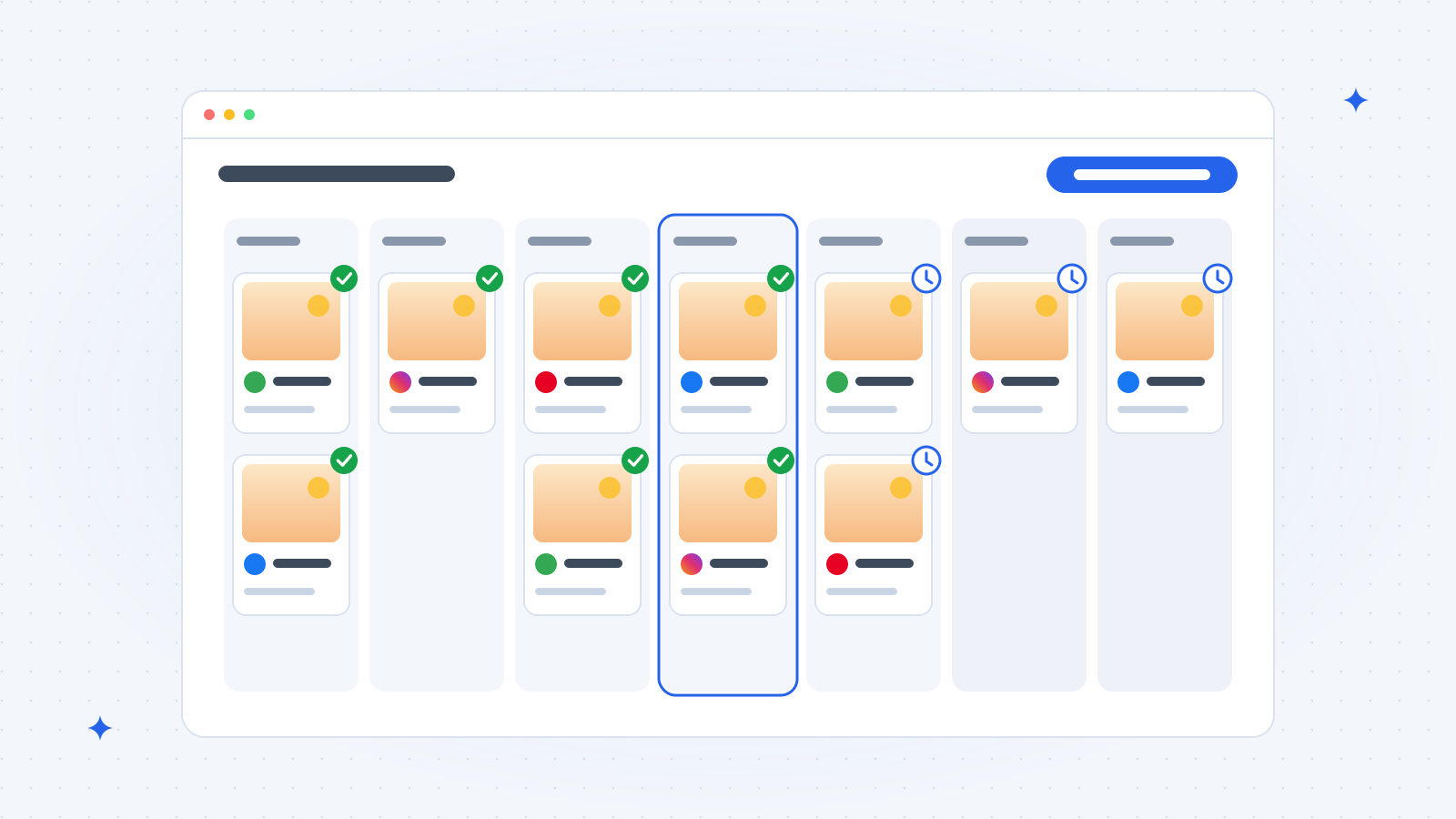
A simple weekly routine
- Monday, 15 minutes: pick two or three topics for the week. A new product, a customer question, a behind-the-scenes photo.
- Draft and approve: write or generate the posts, adjust the wording, add your own photos.
- Schedule: spread them over the week at the times your customers are online.
- Friday, 5 minutes: check which post got the most reactions and do more of that next week.
If writing is the part that stops you, read our guide to the AI social media post generator approach, and for local businesses add weekly Google Business Profile posts.
Where Vistobi fits
We built Vistobi for exactly this situation. Tobi, the AI assistant inside Vistobi, learns your brand voice from your website, suggests post ideas from your own Google data, and writes the posts. You approve them, and Vistobi publishes them to Google Business Profile, Pinterest, Facebook and Instagram, and can schedule them for later. The same tool also writes blog articles with our AI blog writer and handles your SEO to-dos.
It is not a full social media suite for large teams, and we do not try to be one. If you want posts that get written, approved and published every week, see the plans on the Vistobi pricing page. There is a 7-day free trial, no card needed.